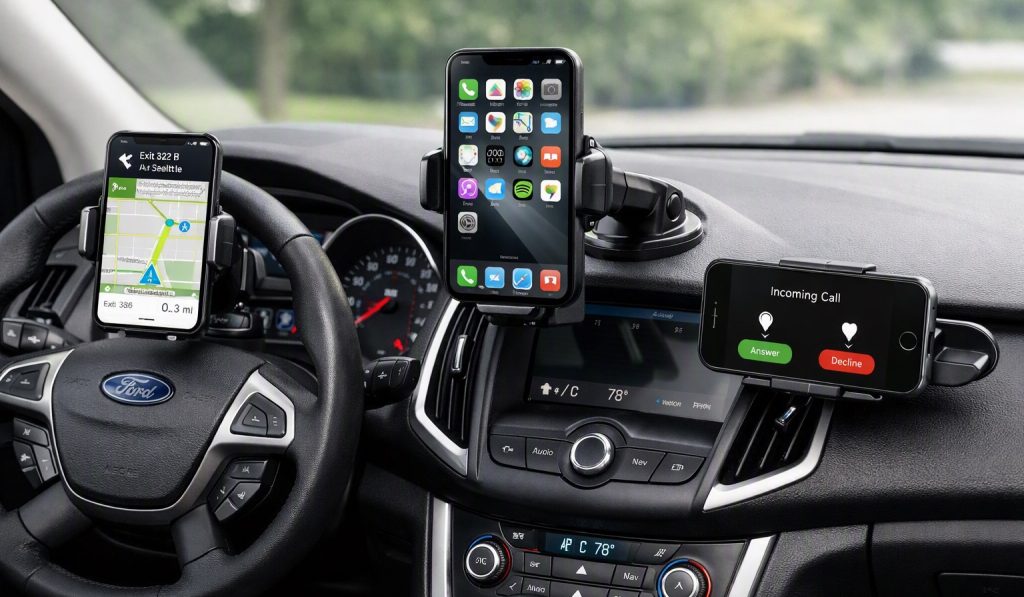
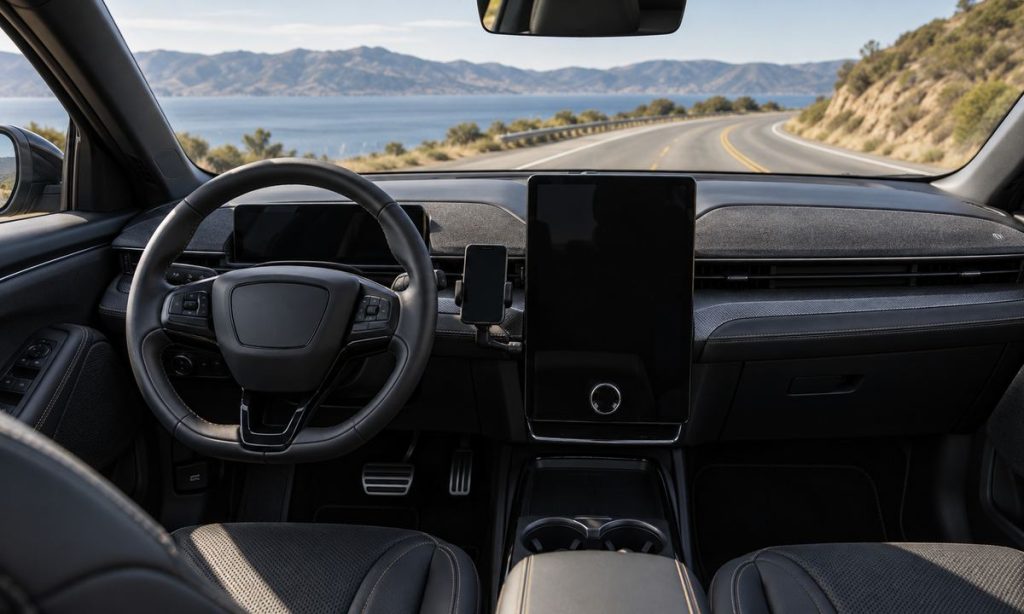
A good phone mount in a Ford Mustang Mach-E keeps the device secure and easy to glance at while leaving the driver’s forward view, controls, sensors, and airbag deployment areas unobstructed. The right placement depends on the Mach-E model year, interior layout, phone size, case, charging cable, and the driver’s seating position. Avoid choosing a mount only because it fits a flat surface or puts the screen close to hand. Set up the mount while parked, then confirm that it does not block the road view or require the driver to reach across the cabin. Use voice control and the vehicle’s supported infotainment features whenever practical.
Start with a clear view from the driver’s seat
Sit in the normal driving position and check the full windshield view, mirrors, instrument display, steering wheel, and center display. A phone should not cover the road ahead, a mirror, a warning light, climate control, hazard switch, or any camera or sensor. Even a small device can create a blind spot when placed near a pillar or high on the windshield. Check the view with the phone both mounted and removed, since a large bracket can block more than the screen itself.
Place the display where a brief glance does not require turning the head far from the road. A low position can be hard to see and may encourage looking away; a high position can interfere with windshield visibility. There is no single location that works for every driver, so test the line of sight from your actual seat and steering-wheel adjustment. If a mount forces a long reach, blocks controls, or shifts during a turn, choose a different design.
Avoid airbags, sensors, and trim that should stay clear
Do not attach a phone, bracket, cable, or other object on or near an airbag cover or where it could be struck by a deploying airbag. Keep accessories away from the dashboard passenger-airbag panel, side of seatbacks, headliner edges, and curtain-airbag paths. Never mount to steering-wheel or knee-airbag covers. Ford’s owner guidance warns against placing equipment where an airbag may deploy; consult the Mustang Mach-E manual for its illustrated locations and any restrictions for the specific model year.
Check the manual for windshield areas occupied by cameras or driver-assistance sensors. Do not cover the forward-facing camera, rain sensor, antenna, or other sensor with a mount, phone, adhesive pad, or cable. Avoid clamping onto delicate trim or blocking vents if it could affect defrosting. Adhesives and suction cups may loosen in heat or cold; use a mounting surface designed for the cabin and remove residue only with compatible products.
Choose a mount style that fits the Mach-E interior
A dash-base mount, vent mount, or cup-holder mount can each work if it stays stable and preserves visibility. A dash-base mount should attach to a flat, supported area that does not interfere with the passenger airbag, screen, buttons, or trim seams. Vent mounts can reduce airflow or place the phone near a control; make sure the clip does not damage louvers. Cup-holder mounts can be stable but may occupy a holder needed by the driver or passenger and may place the screen too low.
Check phone width, height, weight, case thickness, charging connector, and camera bump against the mount’s specifications. A magnetic mount requires a compatible plate and a secure hold over bumps; do not put metal or magnetic pieces where they may affect wireless charging or device operation. A wireless charger mount must be positioned so the phone cannot slide and the cable cannot snag the shifter, steering wheel, or console lid. Avoid drilling into interior panels unless a qualified installer has verified there are no hidden wiring or safety components.
Set up hands-free access before driving
Pair the phone and configure navigation, audio, notifications, and voice controls while the vehicle is parked. Silence alerts that are not needed, enter the destination before moving, and avoid typing or browsing while driving. A mount does not make handheld interaction safe or legal. If a passenger can manage the phone, let them handle changes during the trip. Follow local rules governing device use and windshield obstructions.
If you use the Mach-E’s integrated infotainment or phone projection, check the manual and phone compatibility information. The supplied secondary phrase “home charger for Ford Mach-E” concerns EV charging and is unrelated to mount placement, so it is not linked in this article.
A quick fit and visibility check
- Can you see the full road, mirrors, instruments, and warning displays?
- Does the mount avoid all airbag covers and deployment paths?
- Does it stay clear of cameras, sensors, vents, switches, and the center display?
- Can you reach it without leaning or turning far from the road?
- Does it hold the phone securely with the case and cable attached?
- Can the phone be paired and configured before the vehicle moves?
If the mount is placed near a passenger airbag or windshield sensor and the manual is unclear, choose another location or ask a Ford service professional. Do not test the setup while driving. Recheck adhesive or clamp stability periodically, especially after temperature changes or interior cleaning.
Check operation with passengers and accessories
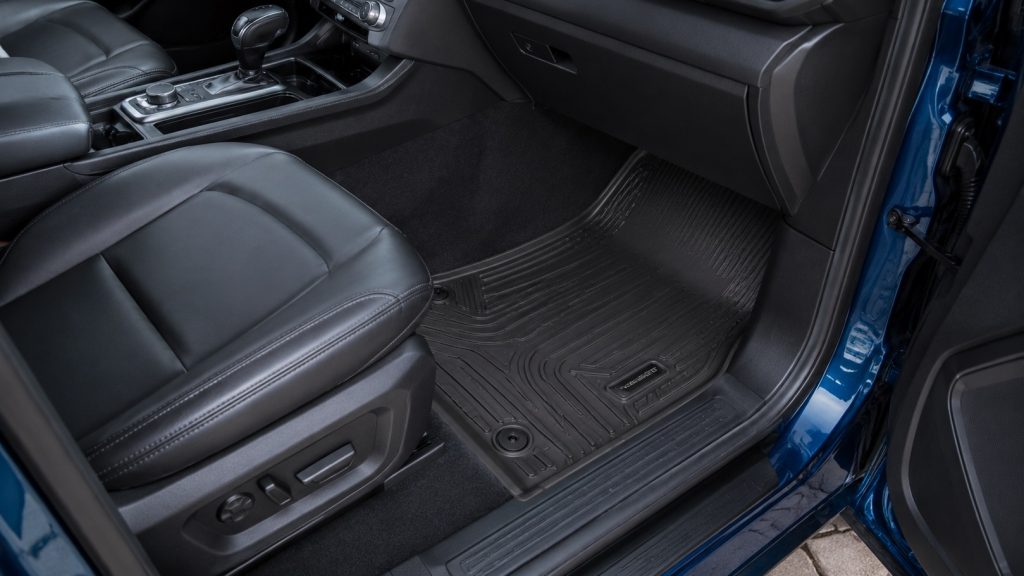
A mount should remain steady when the cabin is warm, cold, or exposed to sunlight. Check that the phone does not cover a passenger’s view or make it difficult to open the glove compartment. If more than one driver uses the Mach-E, confirm the location works with each seat and steering-wheel adjustment, or remove the mount when another driver needs a clear cabin. Keep charging leads short and routed along a fixed edge so they do not hang across the center console. Remove the phone before cleaning the dash and follow the mount maker’s instructions for adhesive cure time and replacement pads.
The site also covers phone-mount placement and visibility in a Ford F-150 and a Dodge Ram 2500. Those are cross-vehicle examples of the same sightline and reach questions; follow Mach-E-specific airbag and sensor guidance for your cabin.
Frequently Asked Questions
Where should I put a phone mount in a Ford Mustang Mach-E?
Choose a stable location that leaves the road view, controls, driver display, sensors, and airbag areas clear. Test it from your normal seating position.
Can I mount a phone on the windshield?
Only if local rules and the vehicle manual allow the placement and it does not obstruct visibility or sensors. A dash location may be preferable if it preserves a clear view.
Is a vent mount safe?
It can be suitable if it does not block needed airflow, damage the vent, cover controls, or place the phone where it distracts the driver.
Can a phone mount go near an airbag?
No. Keep devices and mounts off airbag covers and out of deployment paths, following the Mach-E manual’s diagrams.
Does hands-free mounting make phone use safe while driving?
A mount does not remove distraction. Set up navigation and audio before driving and minimize interaction on the road.
Final Words
Choose Ford Mach-E phone-mount placement by checking visibility, reach, airbag clearance, sensor locations, and stability from the driver’s seat. A mount should keep the phone secure without blocking controls or inviting long glances. Pair and configure it while parked, and check the owner’s manual for model-year-specific restrictions.
References
- Ford Mustang Mach-E Owner’s Manual: Airbag Safety Guidance (select the version matching the vehicle).
- Ford Owner Manuals (check the exact year for camera, sensor, and interior details).
- NHTSA: Distracted Driving (safety guidance for limiting driver interaction with devices).